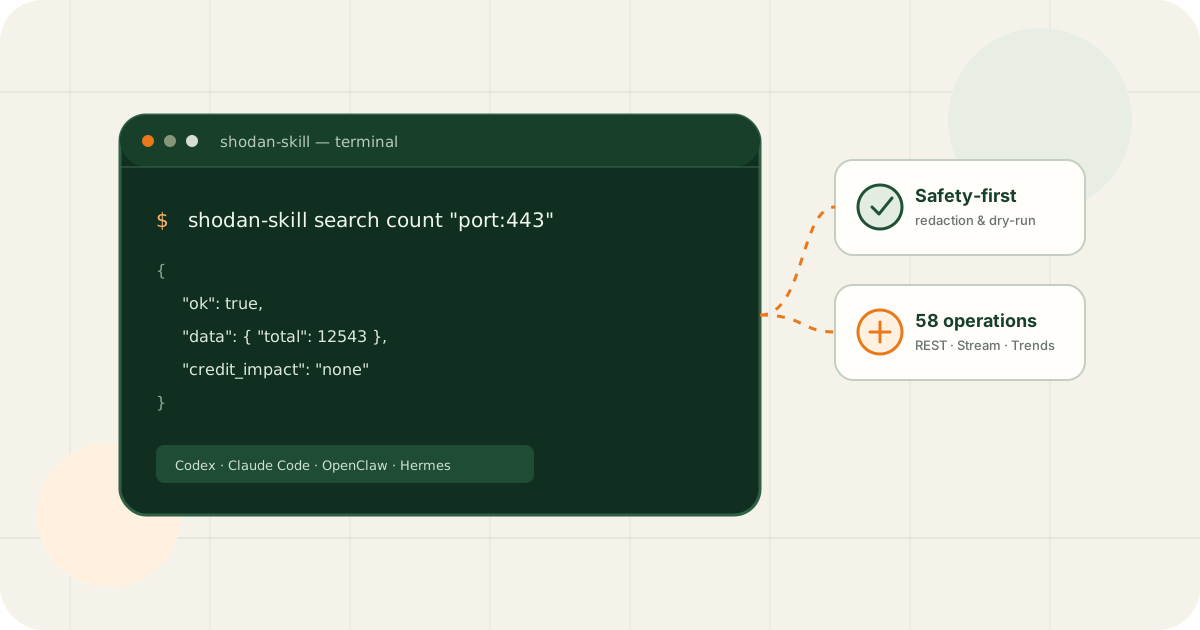
Shodan Skill lets people, scripts, and AI agents reuse the same command contract. Use it directly in a terminal or expose it as an agent skill while retaining stable JSON output and explicit safety boundaries.
Bottom line
Use it when Shodan must fit repeatable agent, script, and CLI workflows
Without a shared client, every agent and script reimplements authentication, parameters, errors, pagination, and output. Shodan Skill centralizes those details in one Python CLI and packages the same interface for multiple agent platforms.
Install on Linux, macOS, or Windows and query or debug through a normal CLI.
Let agents invoke documented commands instead of assembling untested HTTP calls.
One-minute installation and a read-only query
python -m pip install shodan-skill
export SHODAN_API_KEY="your-key"
shodan-skill host info 8.8.8.8
On PowerShell, set $env:SHODAN_API_KEY = "your-key". Keep the real key out of repositories, prompts, screenshots, and recorded command arguments.
Coverage: 58 documented operations
Version 2.0.1 maps 58 operations from official developer documentation across REST, Streaming, Trends, and Exploits, with unique command mappings and offline contract tests.
| Surface | Count | Examples |
|---|---|---|
| REST | 45 | Host, Search, DNS, Scan, Alert, Account, Tools, Dataset, Organization |
| Streaming | 8 | Banner, ASN, Country, Port, CVE, Alert, custom streams |
| Trends | 3 | Historical search, filters, and facets |
| Exploits | 2 | Exploit search and count |
Security-oriented behavior
Recursive secret redaction
Credentials such as API keys, authorization headers, cookies, webhooks, and signed URLs are masked in output and errors.
Explicit proxy configuration
Generic proxy environment variables are ignored by default to reduce accidental credential forwarding.
Dry-run request preview
--dry-run validates parameters and previews deterministic requests without sending them.
Credit-aware retry policy
GET requests that may consume credits are not retried automatically.
Example workflows
# Host information
shodan-skill host info 8.8.8.8

# Search with a facet
shodan-skill search hosts "product:nginx" --facets country:5

# Count only
shodan-skill search count "port:443"

# Account plan and quotas
shodan-skill account api-info
Start agent workflows with help or read-only queries. Enable SHODAN_SAFETY_MODE=strict when higher confirmation thresholds are needed.
How Skill, Explorer, and Proxy fit together
- 1Understand an endpoint in Explorer
Inspect parameters, paths, and response structure interactively.
- 2Automate it with Skill
Move a validated operation into CLI, script, or agent workflows.
- 3Control shared access with Proxy
Keep real keys server-side and enforce source and path rules.
Each project also works independently.
Good and bad fits
Agent tool calls, CLI automation, API coverage checks, structured output, repeatable research, and development debugging.
Bypassing account permissions, unauthorized scanning, hiding operational intent, or presenting an unofficial client as Shodan-authorized software.
References
This article supports product understanding, development learning, and lawful authorized use. Third-party documentation, software versions, and platform rules may change.
Frequently asked questions
Is Shodan Skill the official Shodan CLI?
No. It is an independently maintained, unofficial MIT-licensed project focused on a shared agent/CLI interface, stable output, security controls, and automated contract tests.
Do I need an AI agent to use it?
No. Install the Python package and use it as a regular CLI. Agent packaging helps Codex, Claude Code, OpenClaw, and Hermes discover the same commands.
Does it scan targets or consume credits automatically?
No operation runs merely because a key is configured. Commands must be explicitly invoked. Credit use depends on the operation and current Shodan rules; dry-run and strict safety modes help review requests.
How should I configure the API key?
Prefer the SHODAN_API_KEY environment variable or the official CLI key file. Never put the real key in source code, prompts, screenshots, fixtures, or public logs.